Skip to content
[SMK]

[SMK] Dashboard

[SMK] Dashboard is your camper’s control panel on a phone or tablet. See your batteries, solar and 230 V shore power, water levels, temperatures and levelling – and control lights, heating or the alarm.

Join the app test

[SMK] Dashboard is in open testing on Google Play – anyone can join. Your feedback helps prepare the first full release.

On an Android phone

Open [SMK] Dashboard on Google Play and install it. If the store asks, join the test first.

Google Play ↗

In a browser

Open the test page, sign in with your Google account and choose “Become a tester”. Then install the app from Google Play on your phone.

Test page ↗

Found a bug or have an idea? Write to smk@elektronek.pl. You can leave the test on the same test page.

Android 10 or newer – phone and tablet, portrait and landscape
Free
Google Play – open testing
English, Polish, German
WiFi modules (encrypted connection), Bluetooth sensors
stored locally on the device; weather from Open-Meteo
ELEKTRONEK, Poland
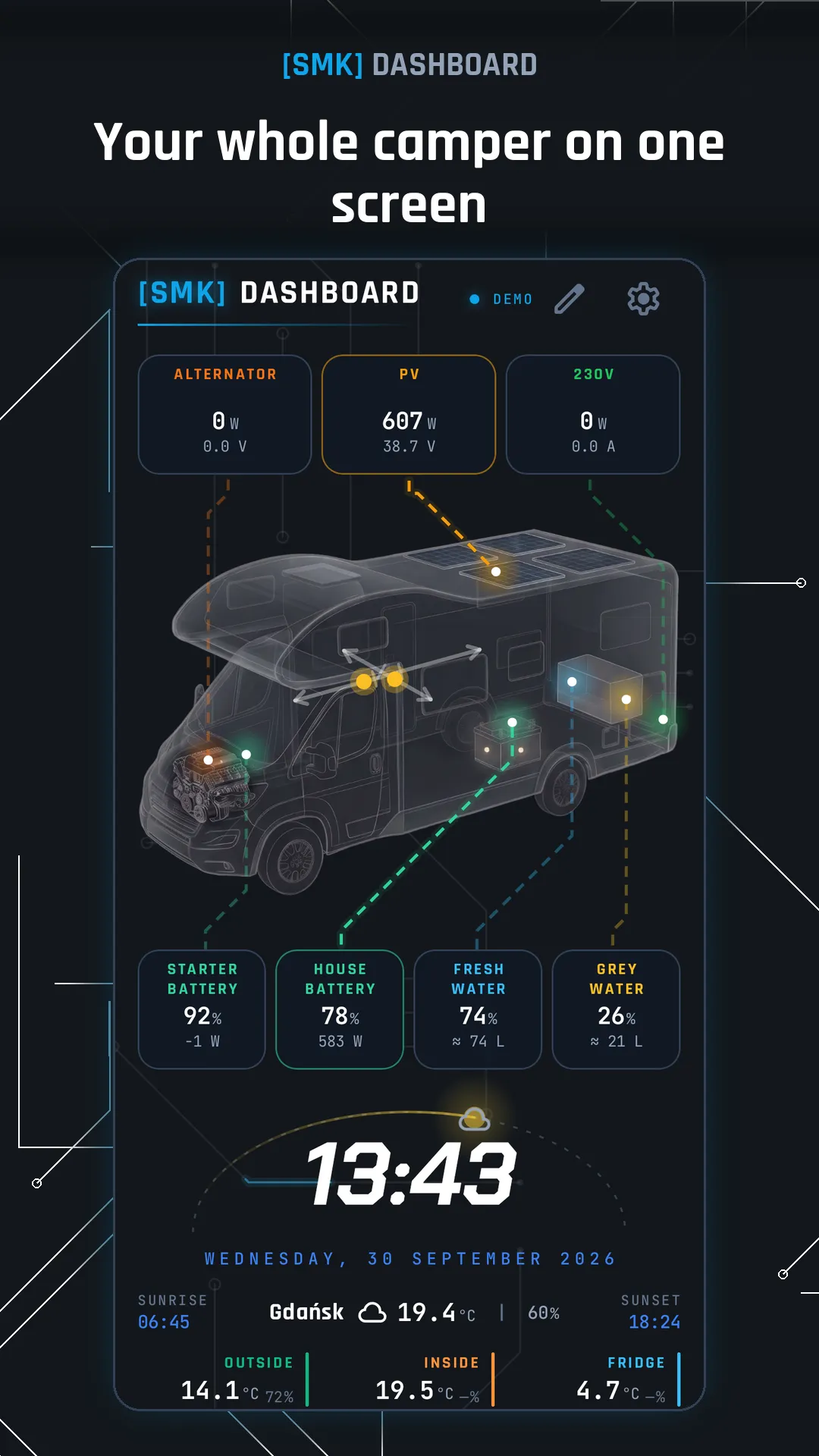
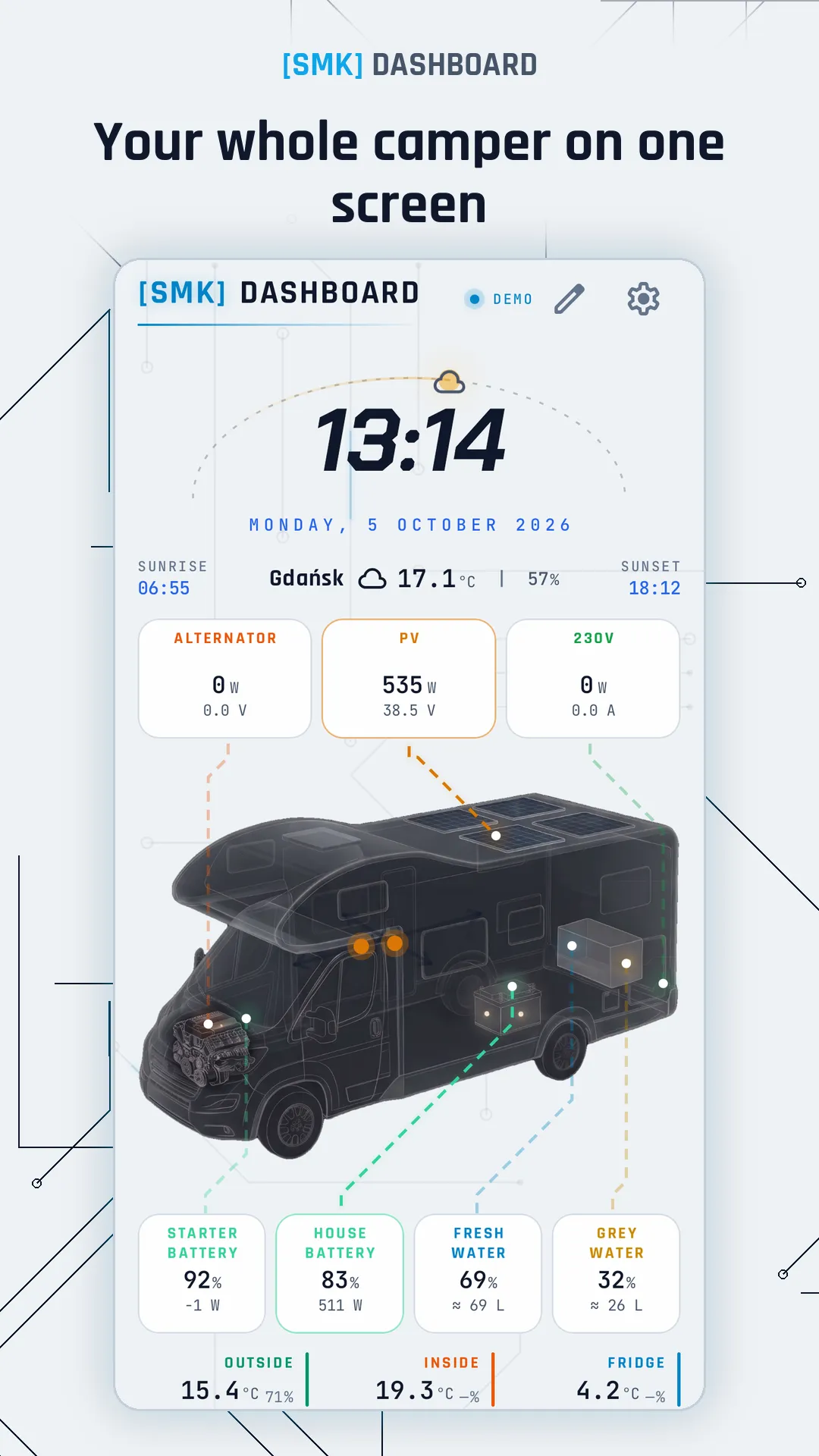
Your whole camper on one screenYour whole camper on one screen

01

Camper dashboard

  • Vehicle view with energy flow: solar panels, 230 V charger, alternator, loads
  • Batteries, fresh and grey water tanks, temperatures: outside, inside, fridge
  • Autonomy: how long your power and water will last
  • Tap a tile for details and history (charts from 1 h to 7 days)
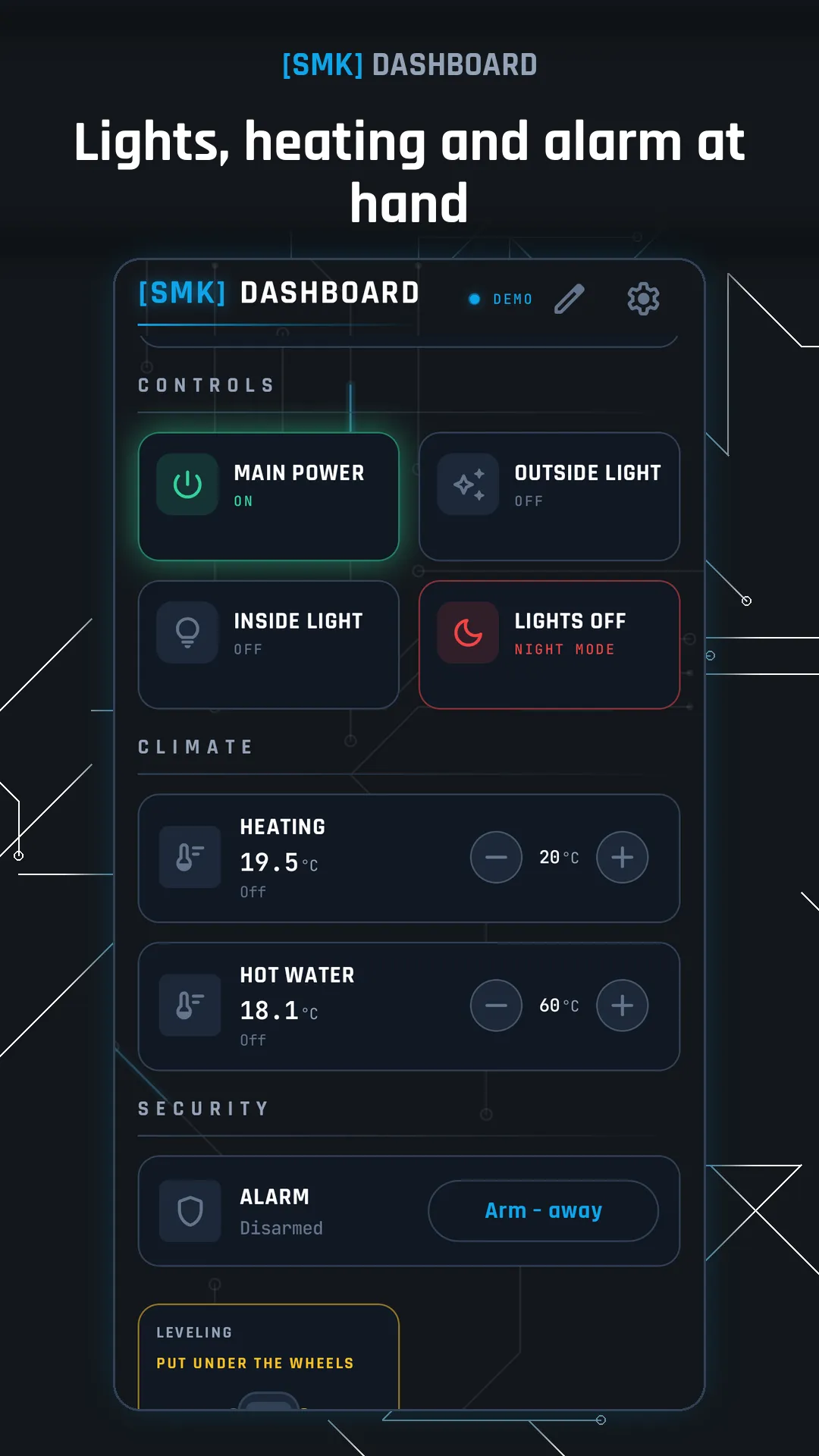
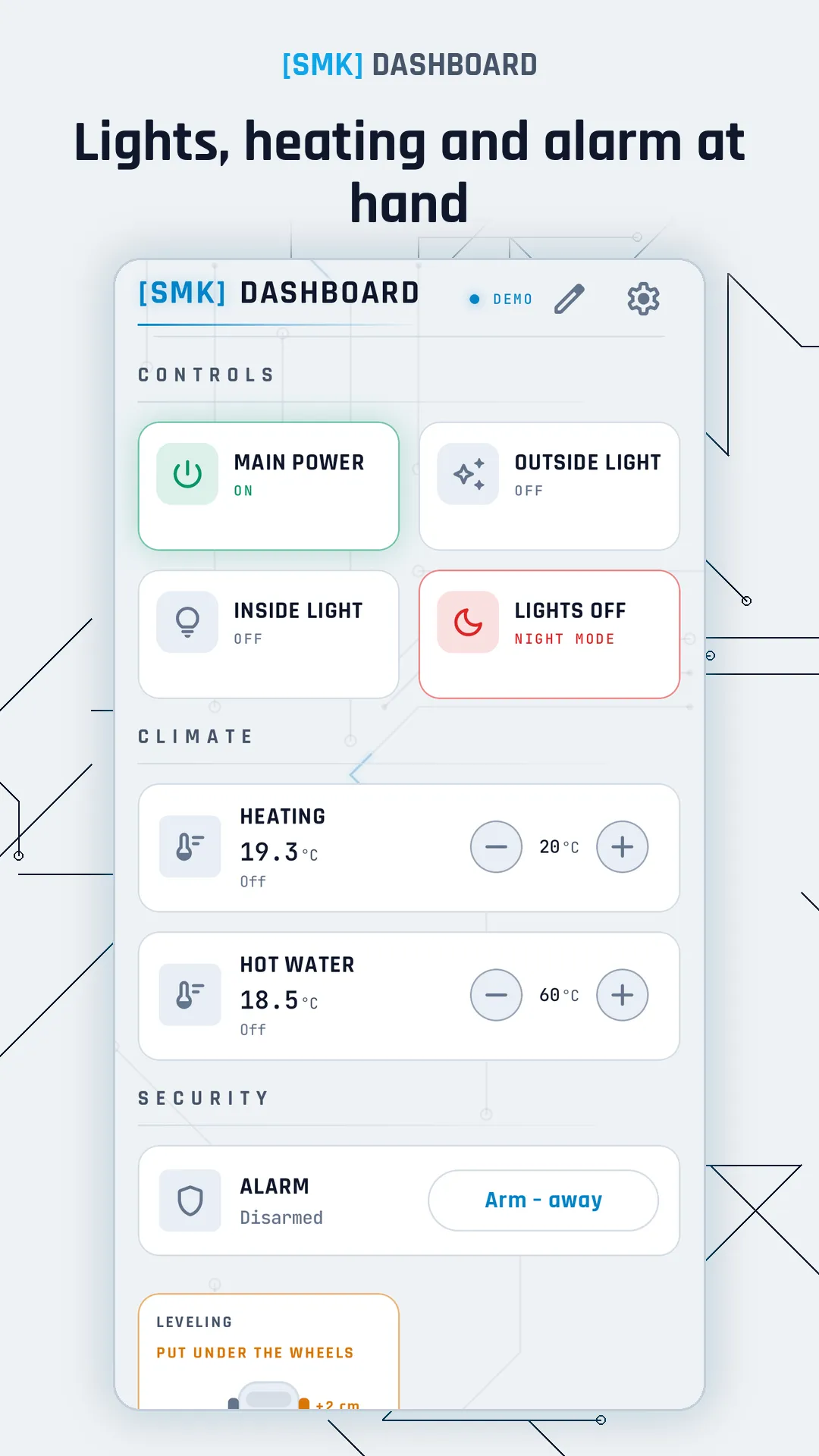
Lights, heating and alarm at handLights, heating and alarm at hand

02

Control

  • Switches, LED dimmers and scenes such as “All lights off”
  • Heating and air conditioning: thermostat and modes
  • Alarm panel: arm and disarm with a code
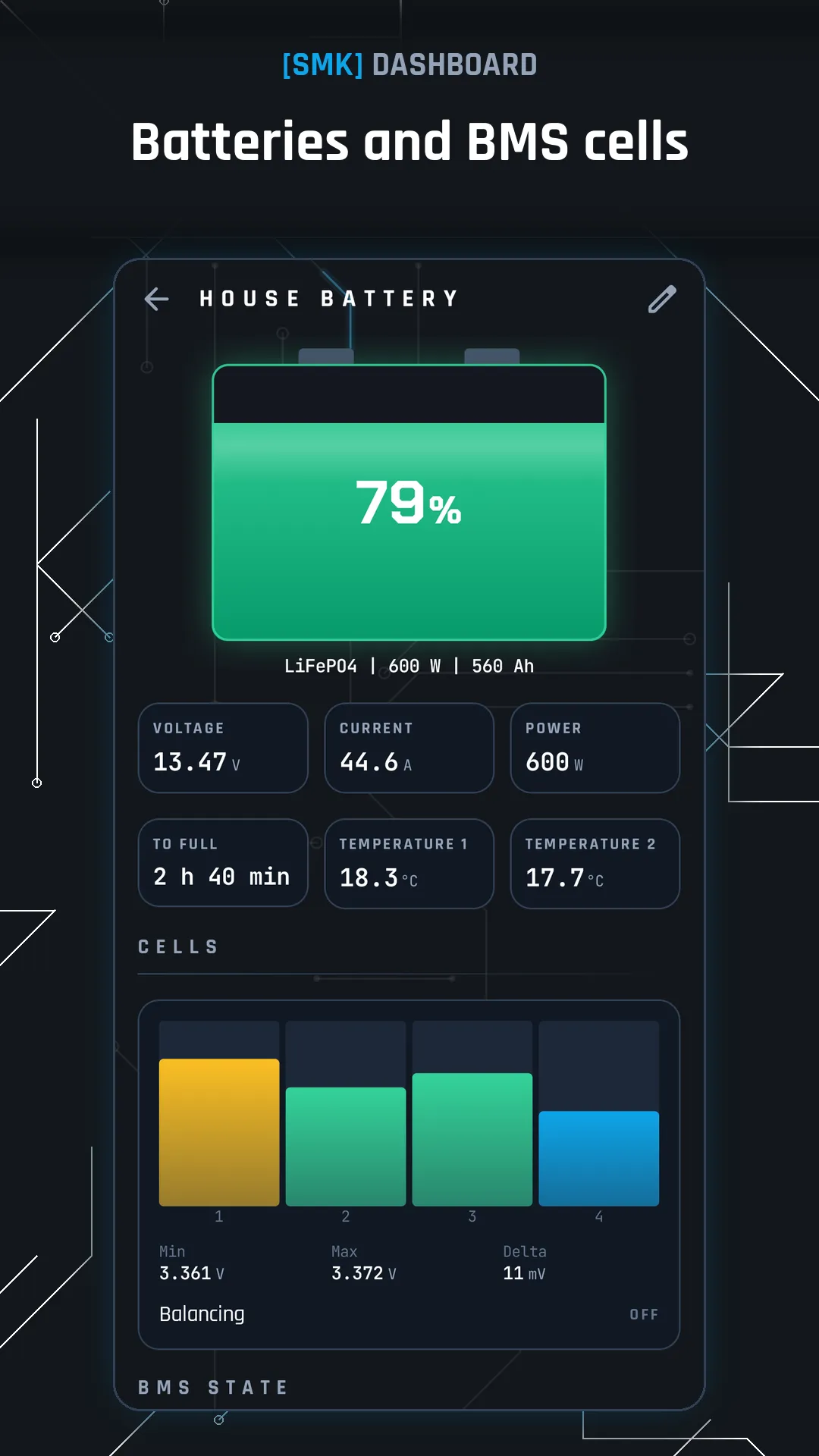
Batteries and BMS cellsBatteries and BMS cells

03

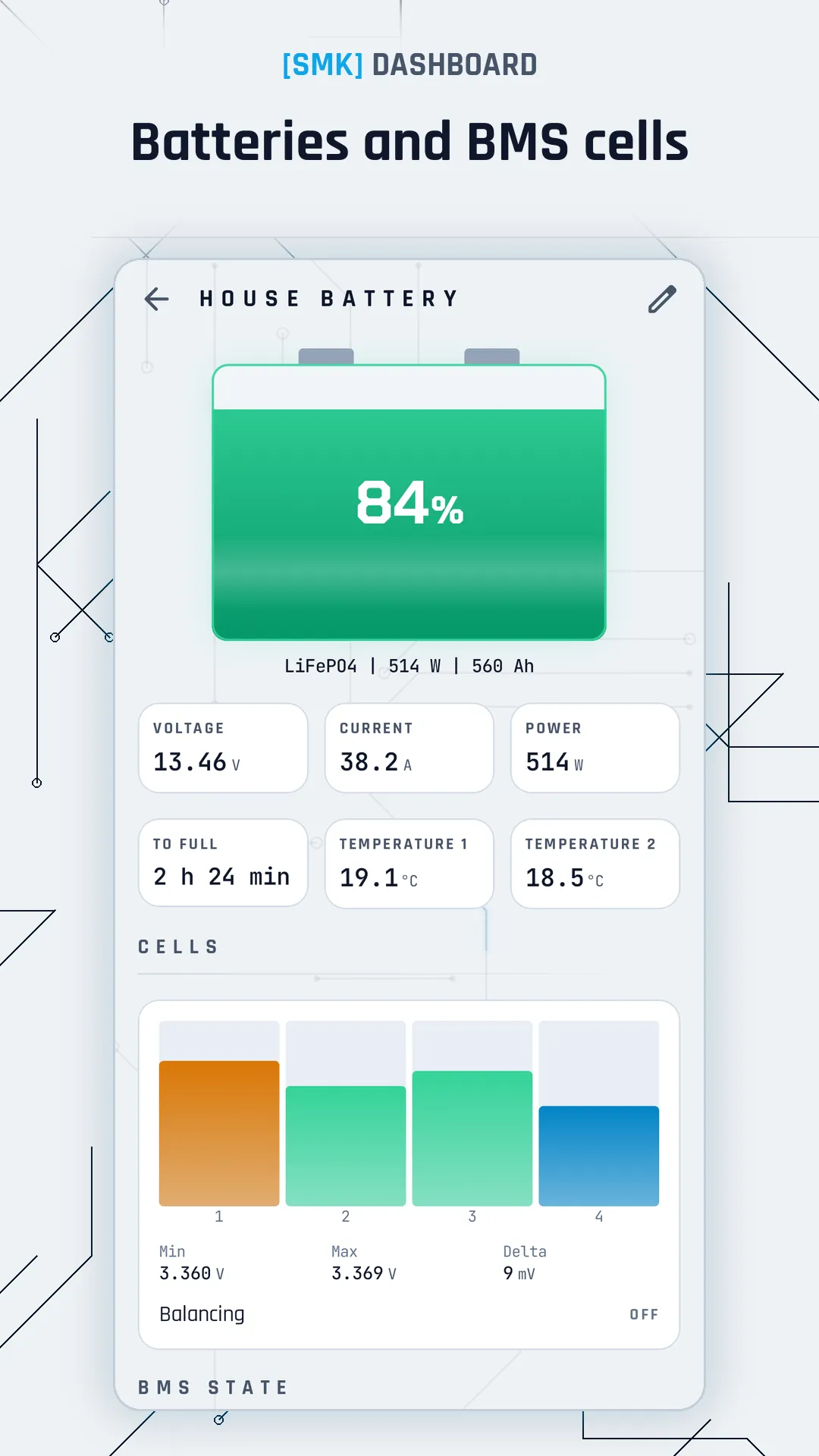
Batteries

  • State of charge, power, voltage, time to full and to empty
  • BMS cells and balancing
  • Several batteries at once, e.g. starter and leisure
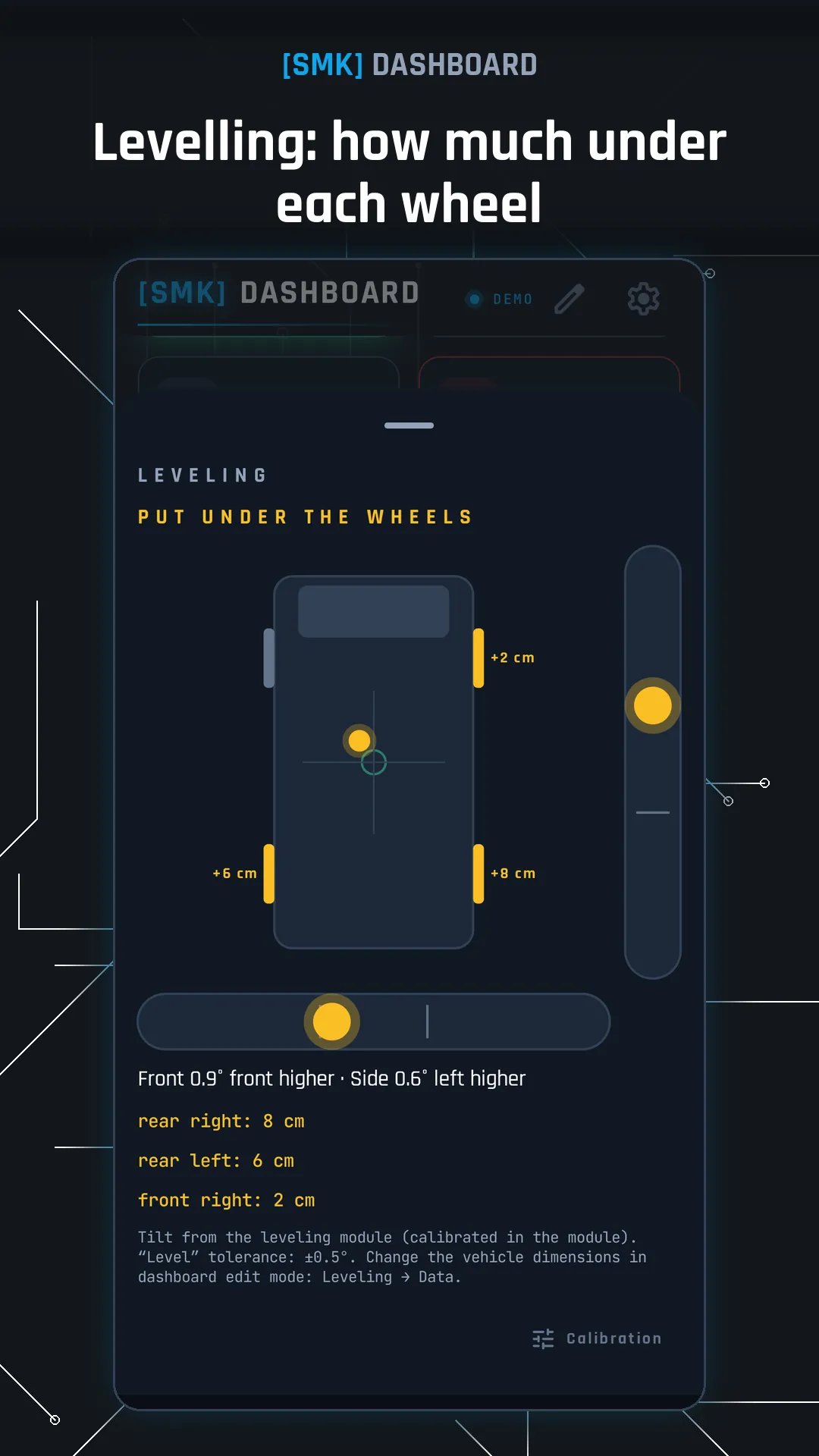
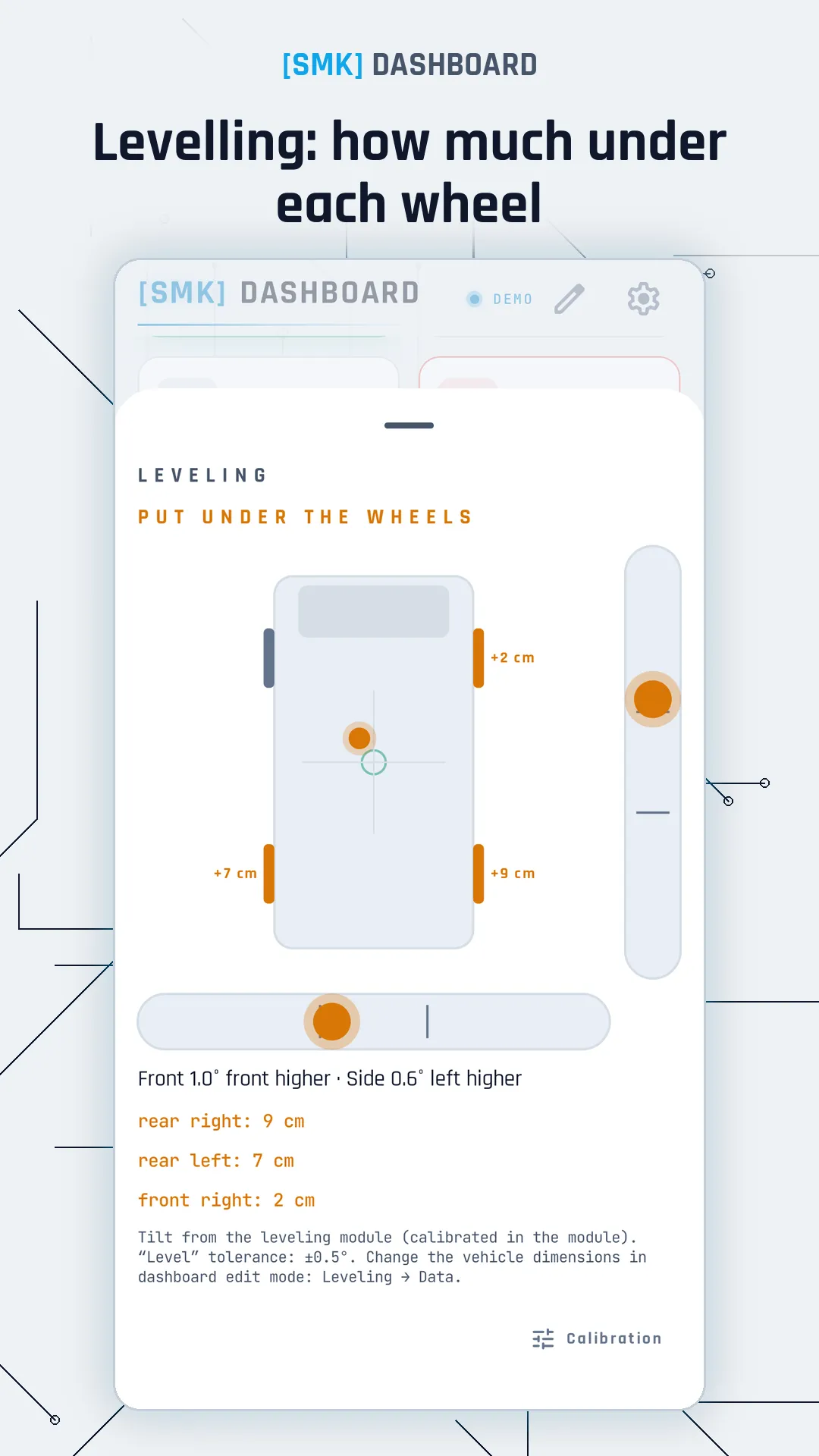
Levelling: how much under each wheelLevelling: how much under each wheel

04

Levelling

  • Pitch and roll angles from the levelling module
  • A hint on how much to put under each wheel
  • Calibration in the module, always with confirmation
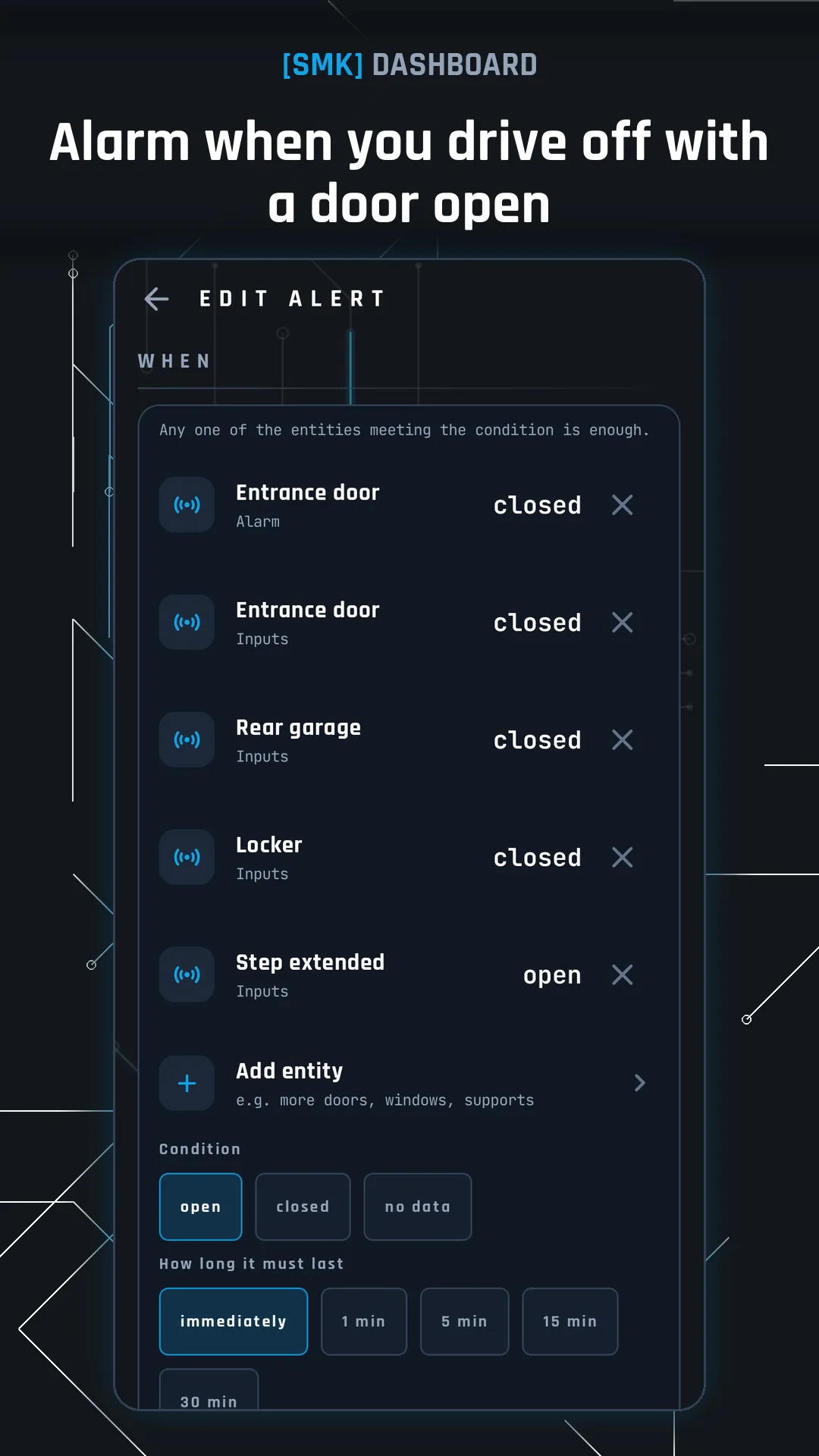
Alarm when you drive off with a door openAlarm when you drive off with a door open

05

Alerts

  • Your own rules, e.g. battery below 20 %, grey tank full, fridge too warm
  • Condition, duration and type: Information, Warning or Alarm on the lock screen
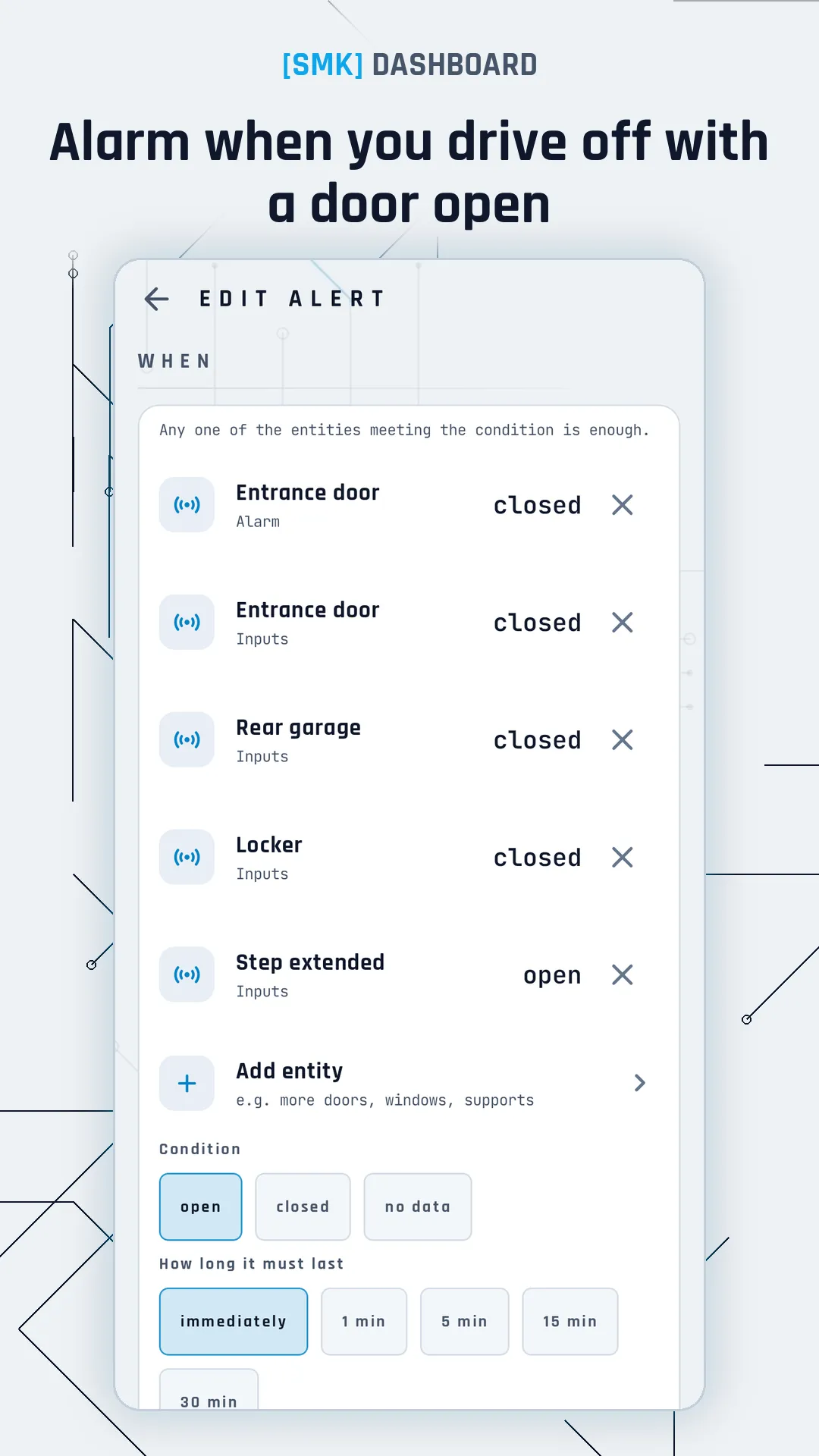
  • “Open while the engine is running” – an alarm when you drive off with a door, window or support open
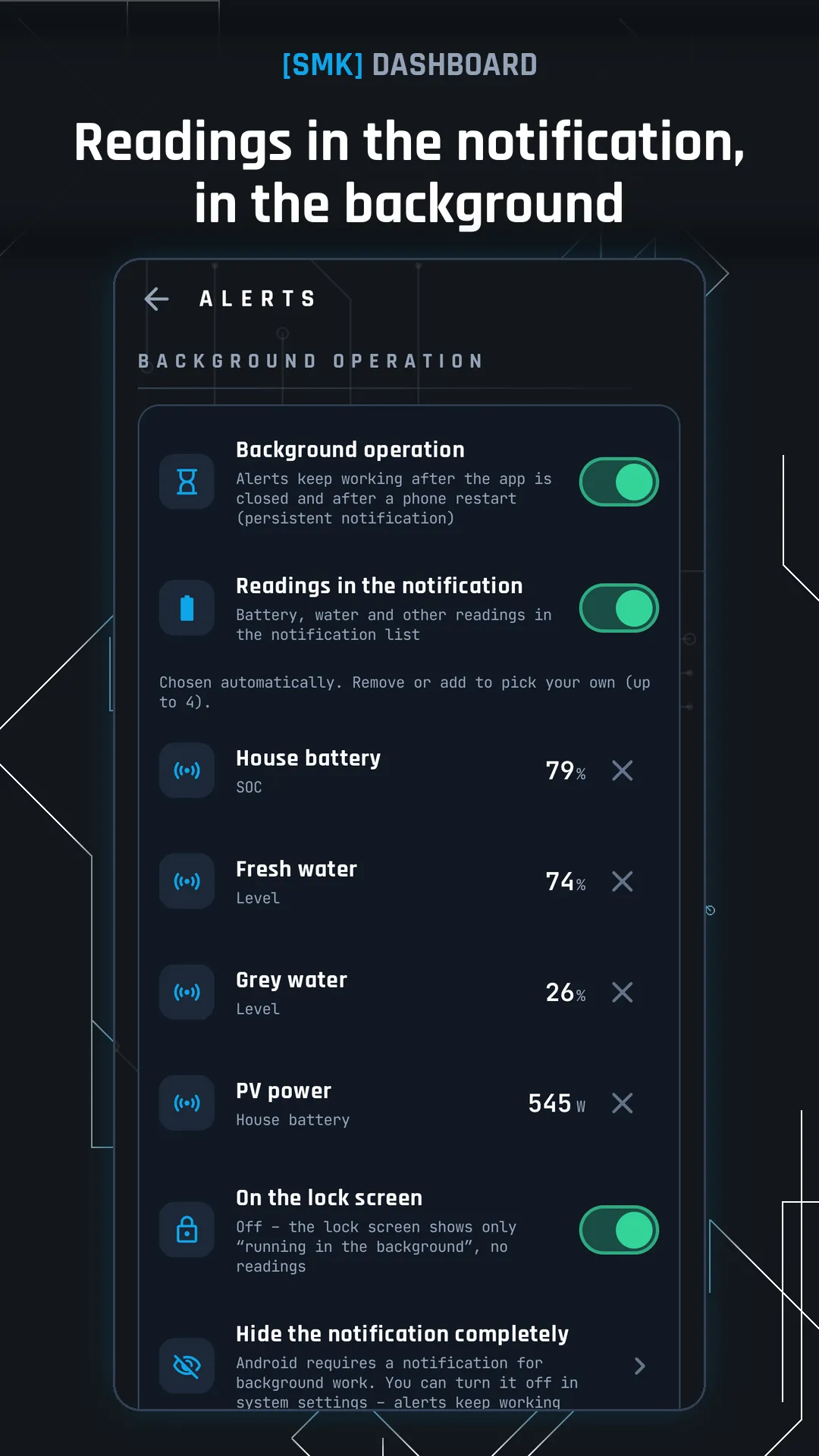
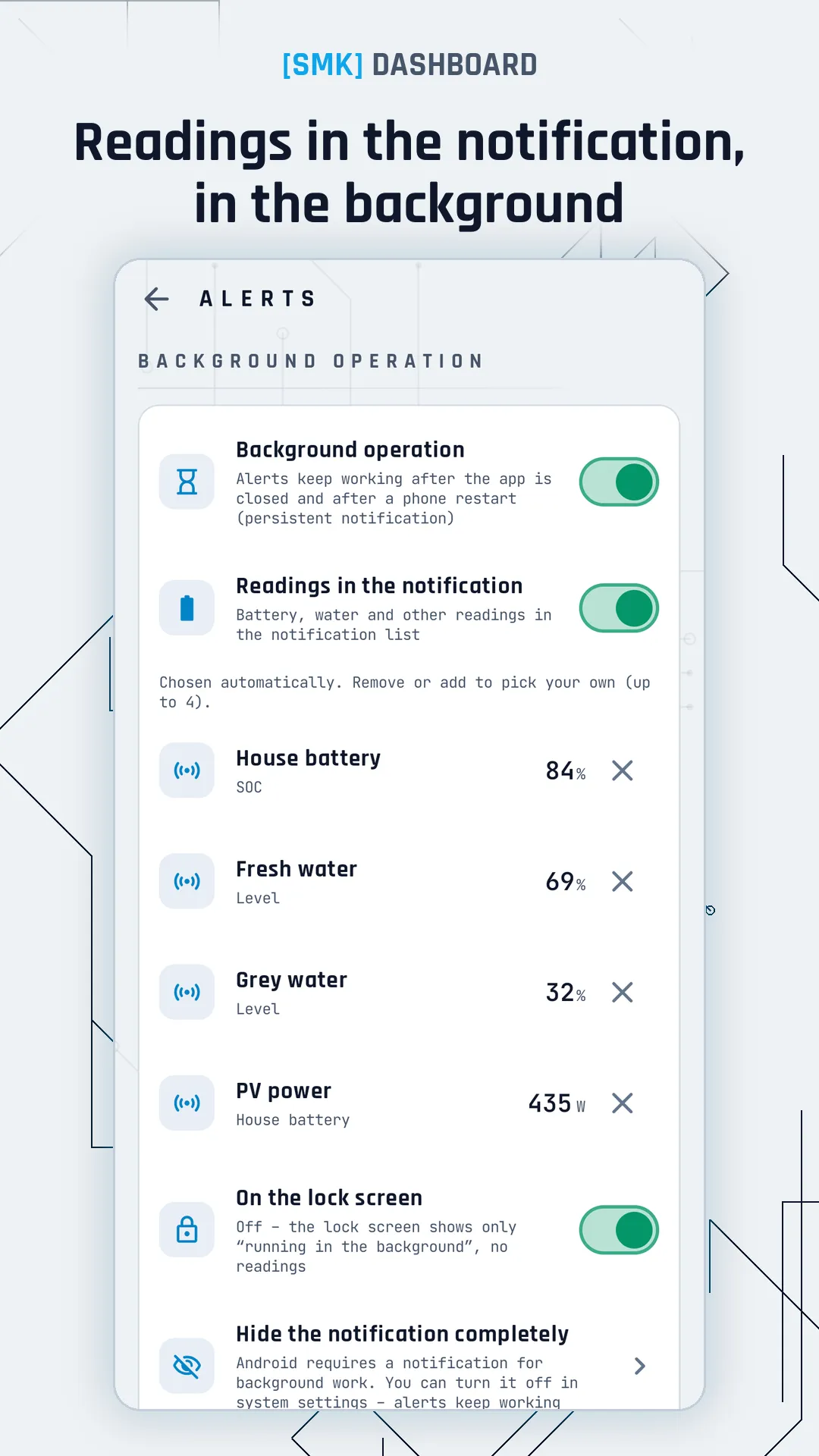
Readings in the notification, background operationReadings in the notification, background operation

06

Background operation and widget

  • Alerts keep working after closing the app and after a phone restart
  • Selected readings in the persistent notification
  • A home screen widget in any size, with your own choice of readings
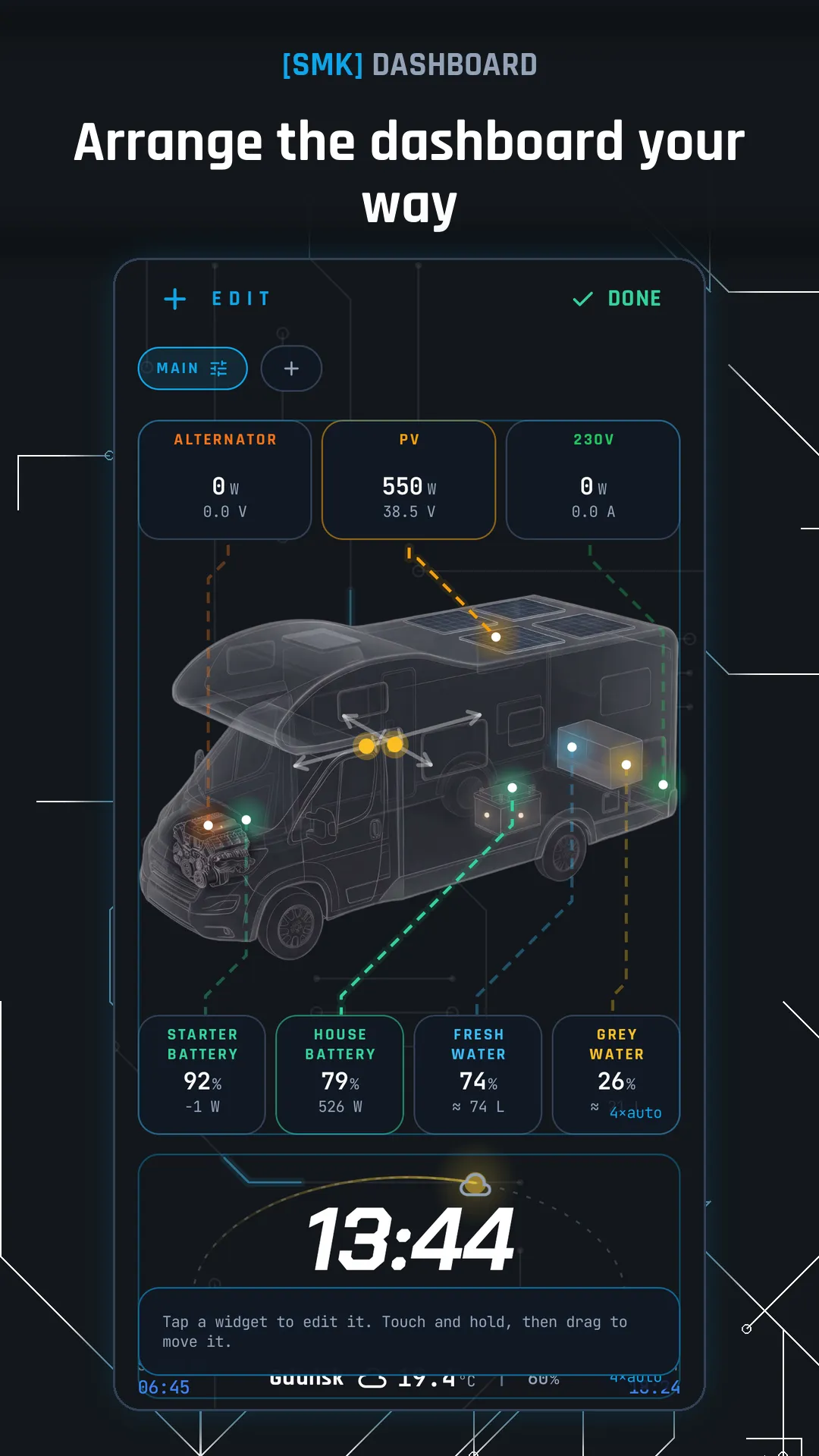
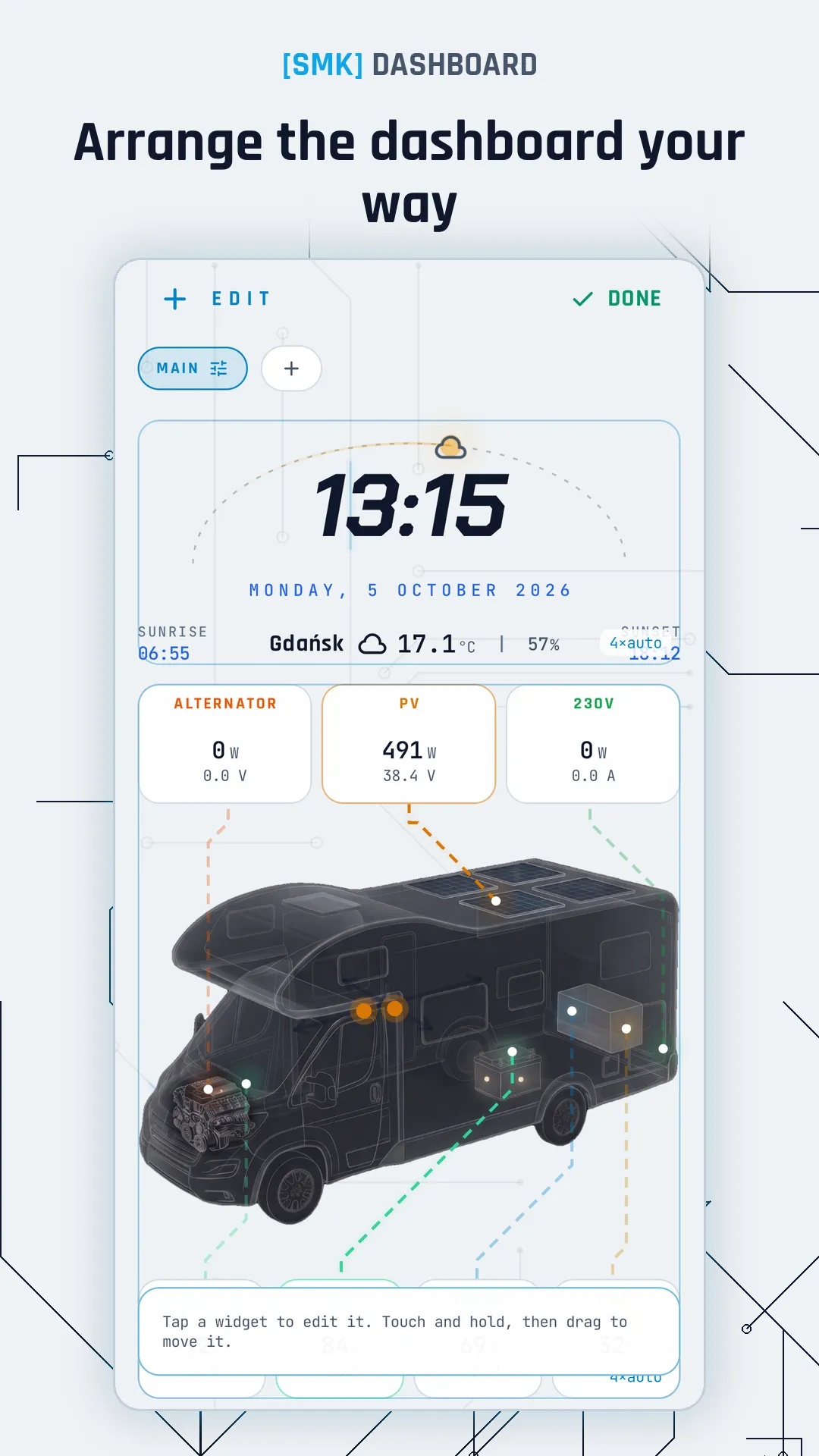
Arrange the dashboard your wayArrange the dashboard your way

07

Your layout

  • Any tile layout, sizes, multiple pages; layout export and import
  • A separate landscape layout – a tablet on the wall
  • Panel mode: screen on while charging, dimming, night view
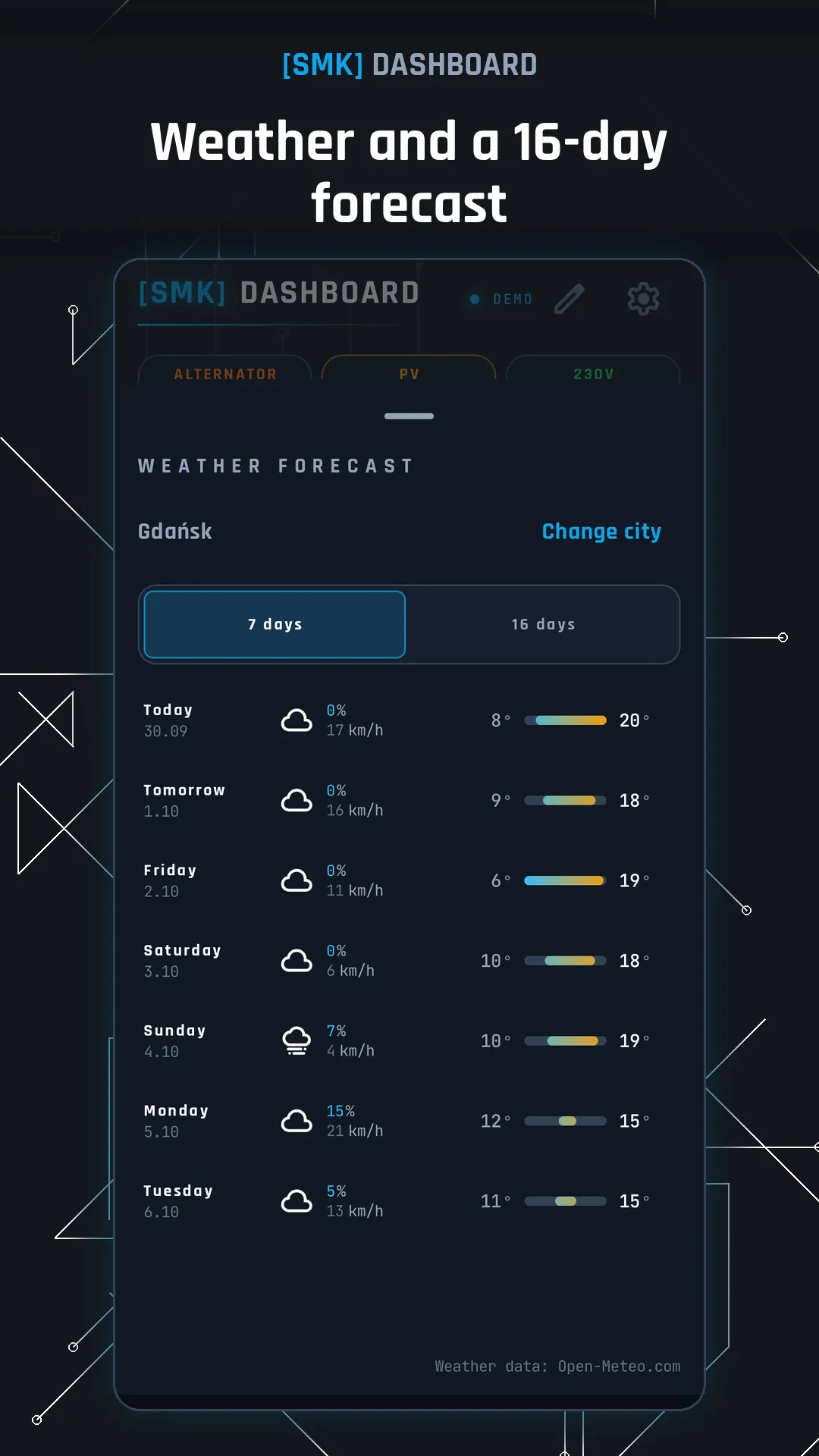
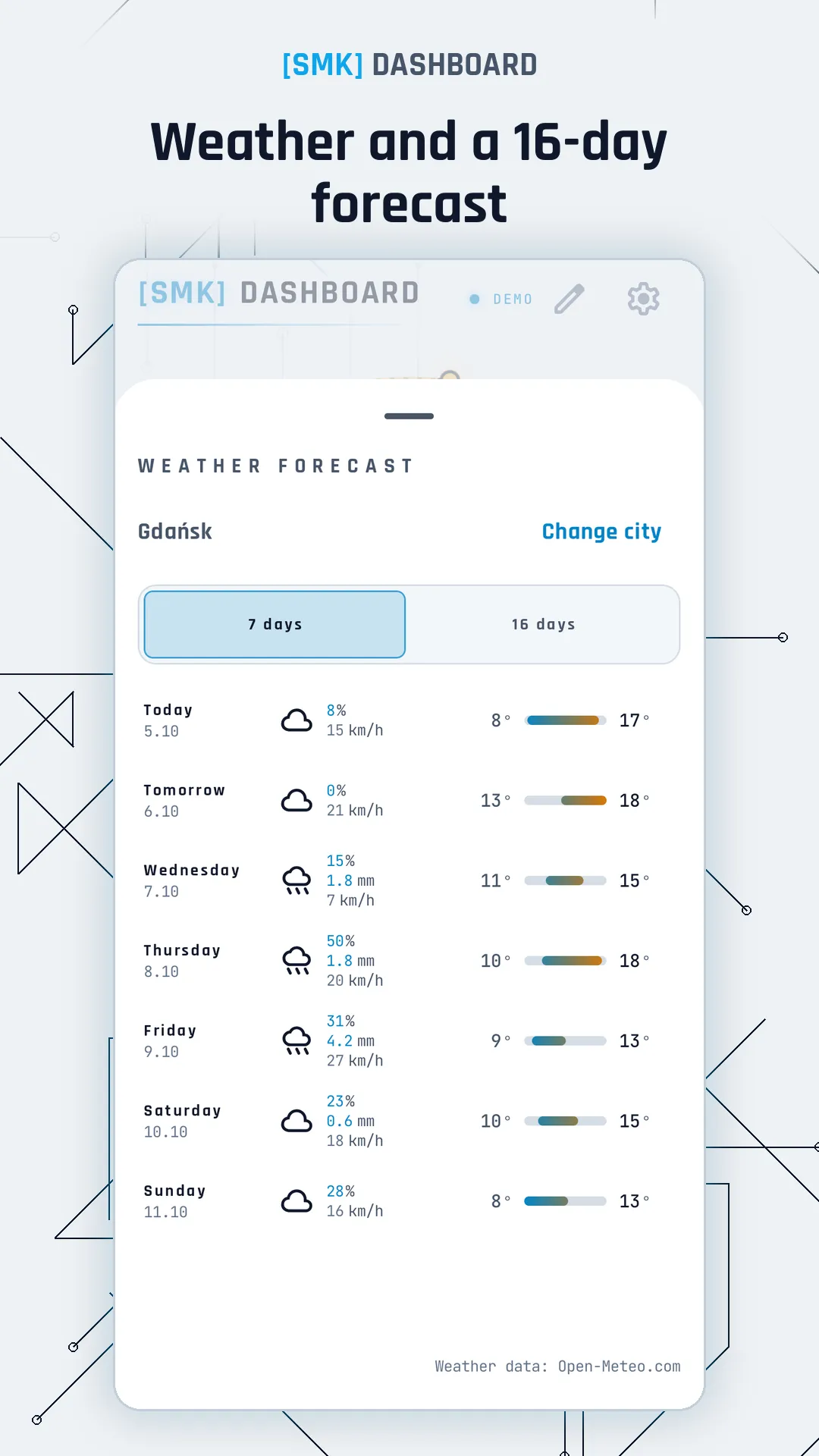
Weather and a 16-day forecastWeather and a 16-day forecast

08

Weather

  • Clock with sunrise and sunset
  • 7 or 16-day forecast, hourly after tapping a day
  • Other cities and recently chosen places

SMK modules

The app works with SMK modules: power, water, climate, control, security, levelling and vehicle. Add a module by scanning the QR code on its label and pin its readings to any tile.

Device list

Demo mode – no hardware needed

No modules yet? Turn on Demo mode (Settings → Operating mode) and explore a full simulated camper: parked in the sun, at night, driving, on 230 V or with a failure.

  • SMK server in the camper: automations, schedules, gap-free history, remote access
  • More Bluetooth sensors and adding them with a QR code
  • SMK OLED displays with alerts

No account, no ads, no analytics. Settings and readings stay on your device. For the weather, the app only sends coordinates to Open-Meteo.